For parents1 min read
Link a child to your parent account
Use the parent Add child page to connect the correct learner. Available options depend on whether the account is new, existing, or managed by a school.
Choose the matching option
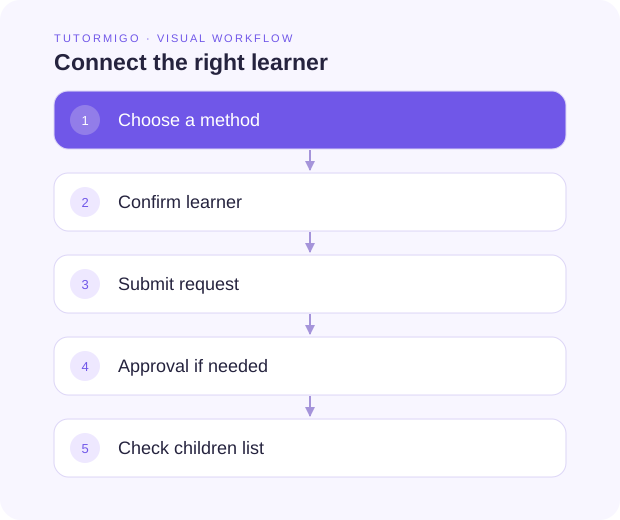
Section titled “Choose the matching option”- Open the parent workspace and choose Add child.
- Choose the option for the learner’s account: create a managed child, link an existing learner, use an invitation, or claim a school-managed account when offered.
- Enter the requested information carefully.
- Review the learner identity before submitting.
- Complete any approval or claim steps shown, then check the children list.
School-managed claims may require the student username, PIN, and date of birth. Ask the school for the correct process; do not guess another learner’s information.
Pending or unsuccessful links
Section titled “Pending or unsuccessful links”Read the page’s status message. A pending request may require school approval. Confirm the account details with the teacher before repeating the request. Keep invitation and claim information private.
Next: Review a child’s learning.