Write a university or internship readiness plan
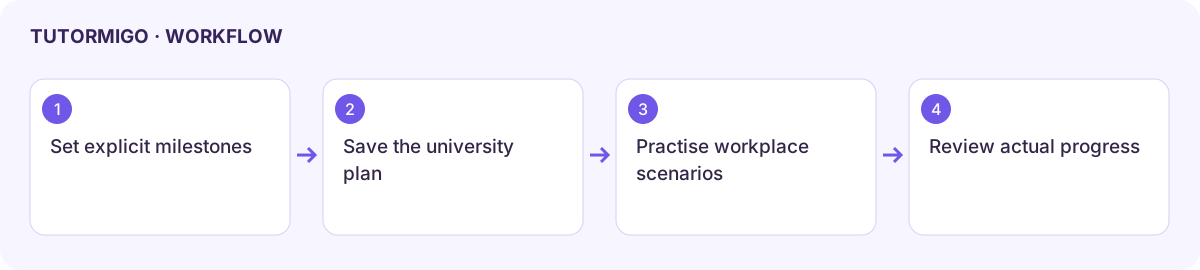
University And Career Readiness keeps future milestones and scenario preparation explicit. Availability follows the deployment’s future-readiness and pathway access; these plans are advisory.
Save a plan you can act on
Section titled “Save a plan you can act on”- Open the available University Plan link from Pathways or Portfolio.
- Review the existing University Readiness title and plan fields.
- Enter concrete milestones, such as a subject to strengthen, a project to finish, or an application date to verify.
- Choose Save University Plan, then reopen the page to confirm the content persisted.
- Review Internship And Apprenticeship Prep, add practical scenario preparation, and use Save Internship Plan for that separate plan.
Useful scenarios include explaining a project, organizing team work, planning a deadline, and solving a workplace problem. Use a tutoring or roleplay session for practice and record real evidence in Portfolio where enabled.
Do not treat a generated plan as an admissions requirement, qualification check, or offer. Verify institutions’ current requirements directly before making an application decision. A saved title alone does not establish that milestones were completed.
Parents can inspect child-scoped future-readiness information when permitted. Teachers can review project progress through their own student scope; neither role should use another account’s link to bypass access controls.
Workflow at a glance
Section titled “Workflow at a glance”